
Siri, open the pod bay door
Show 6 more photos Show 12 more photos Hide additional photos
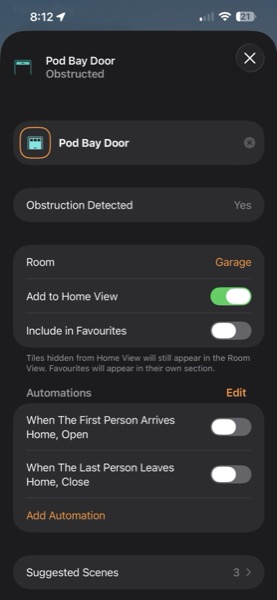
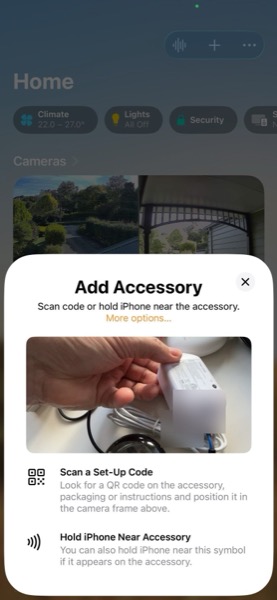
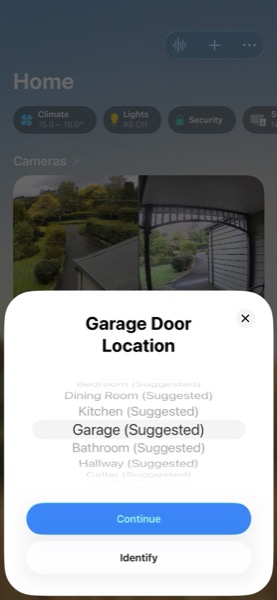
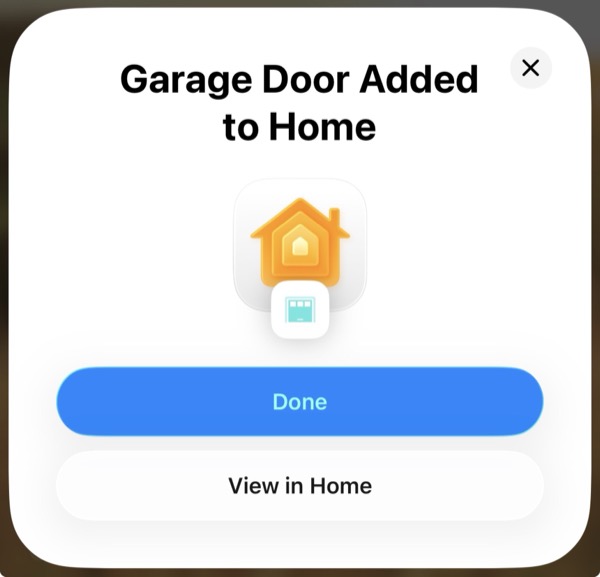
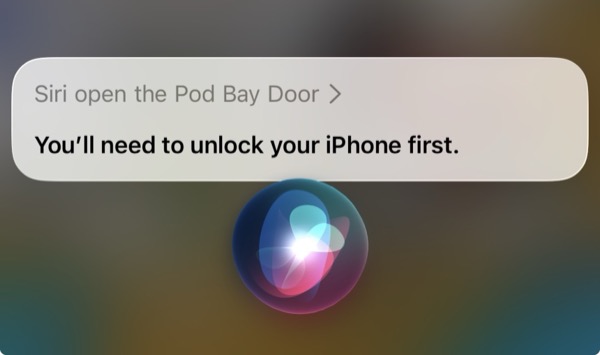
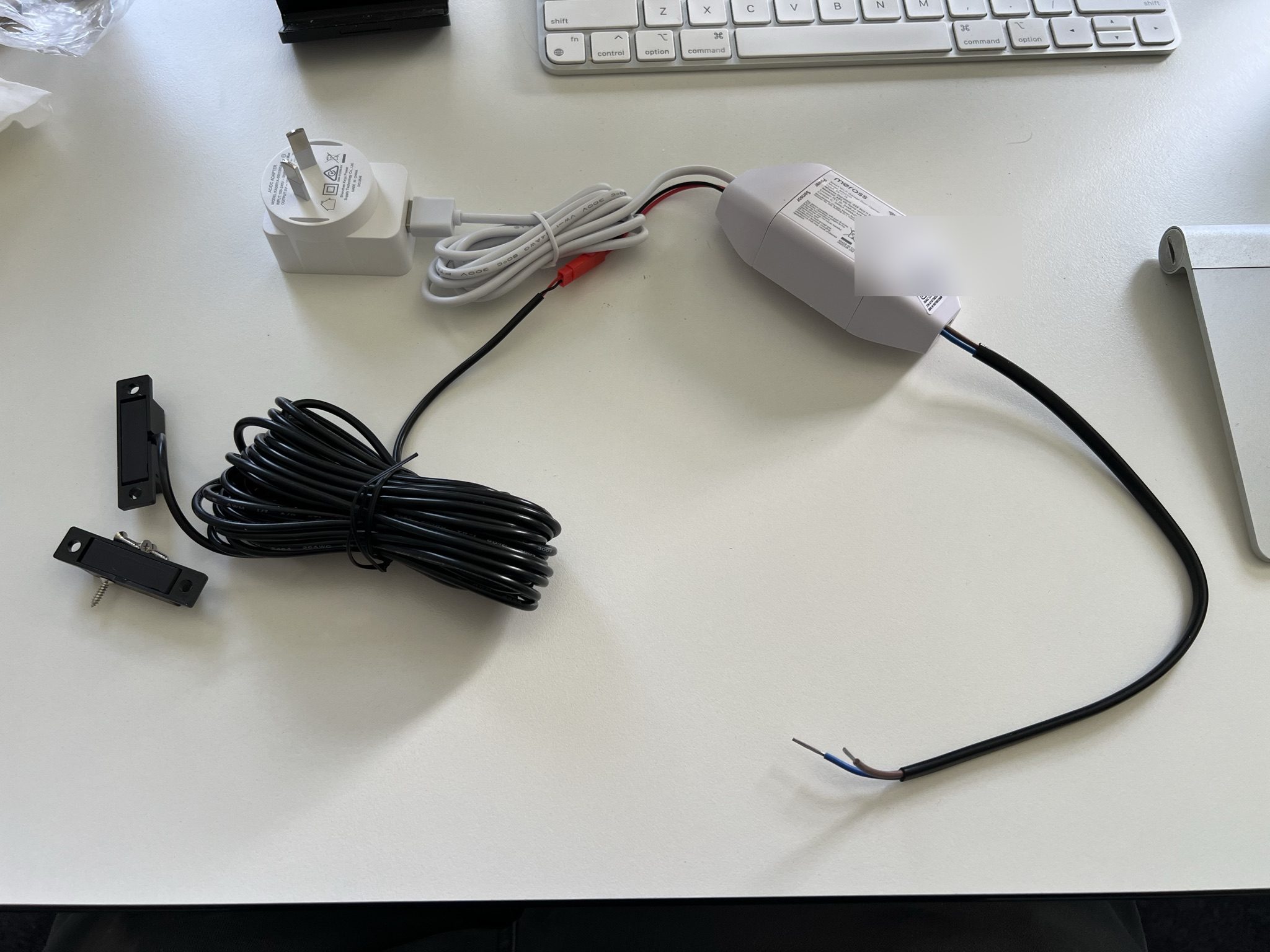
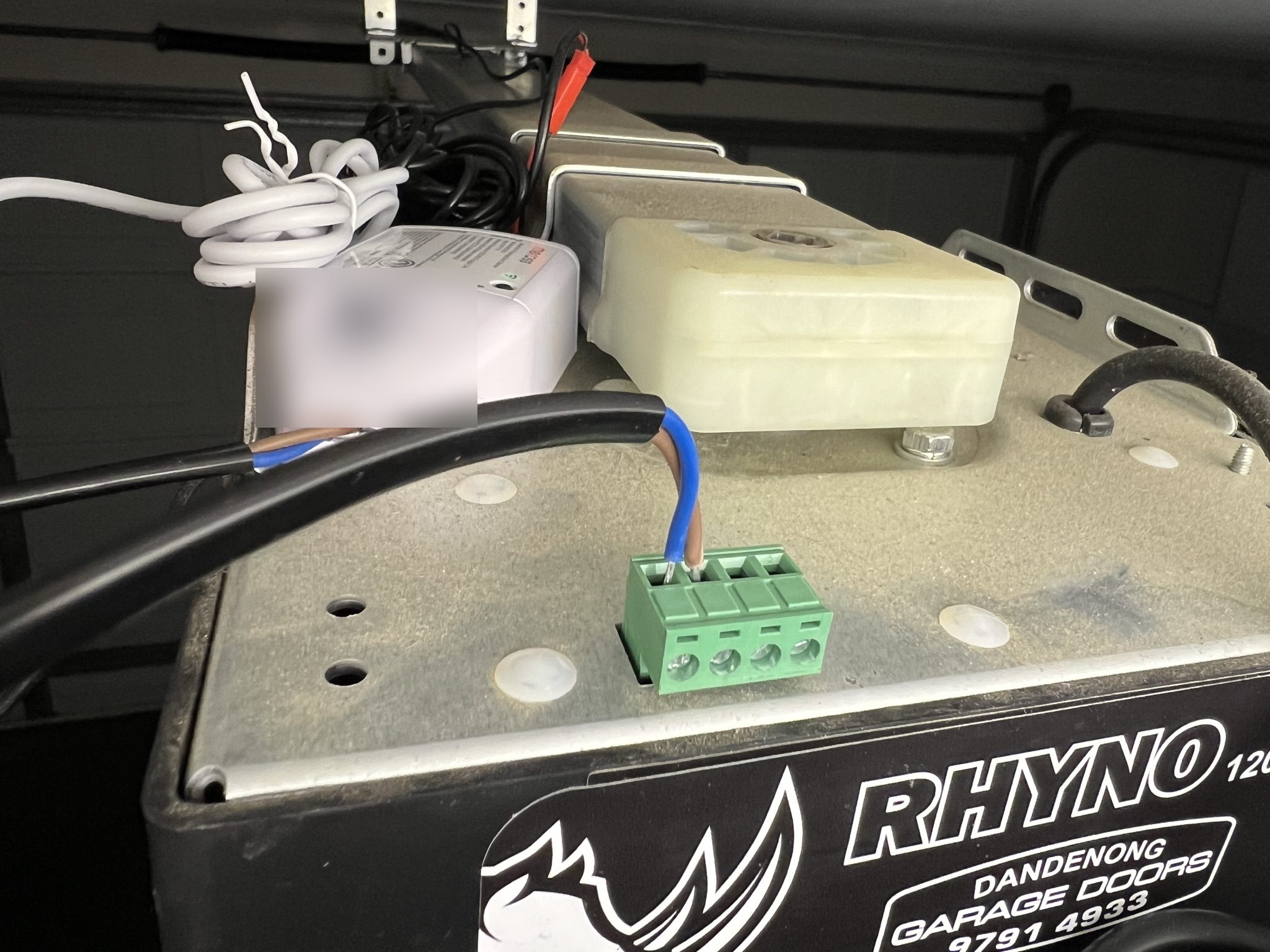
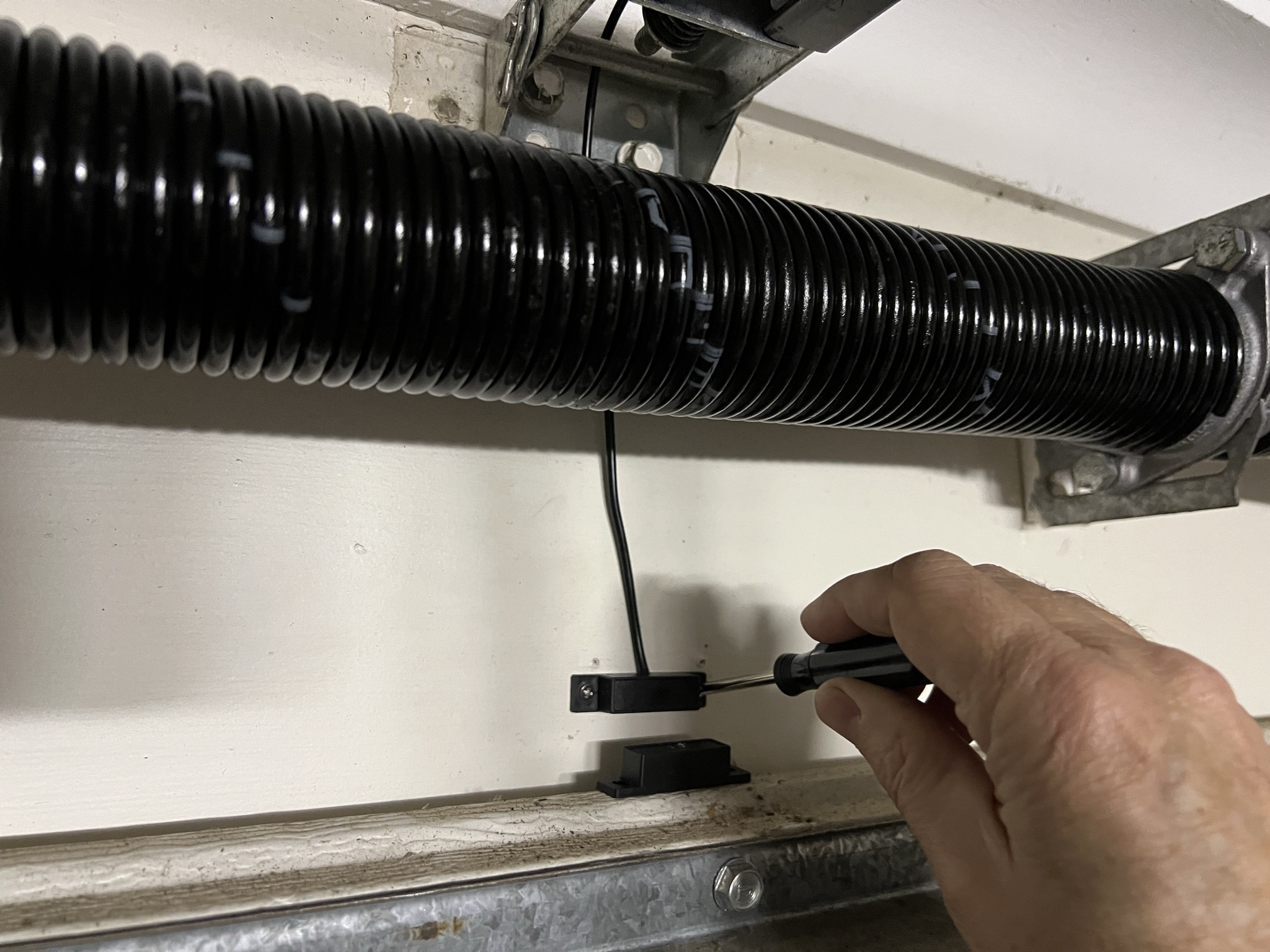
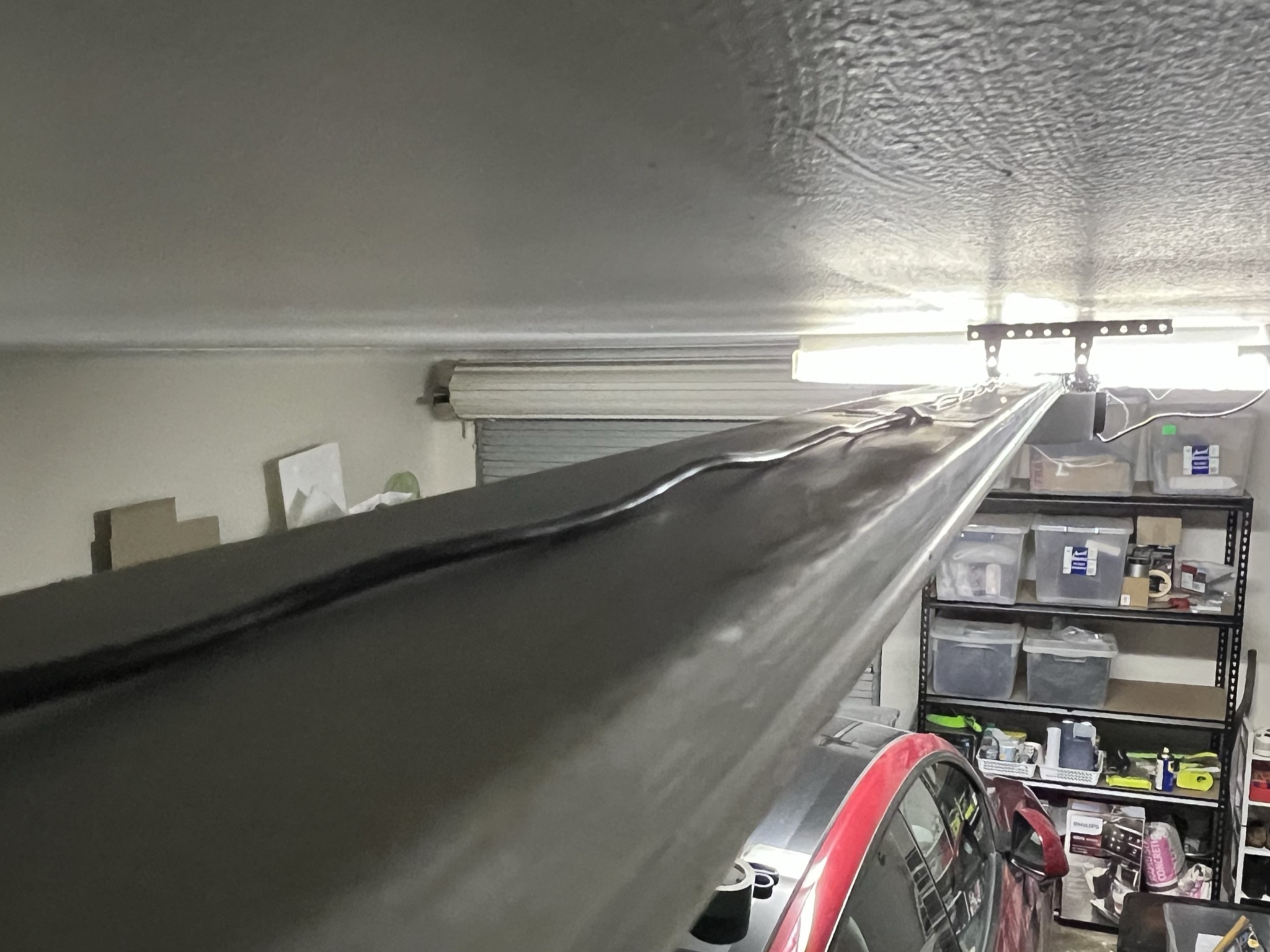
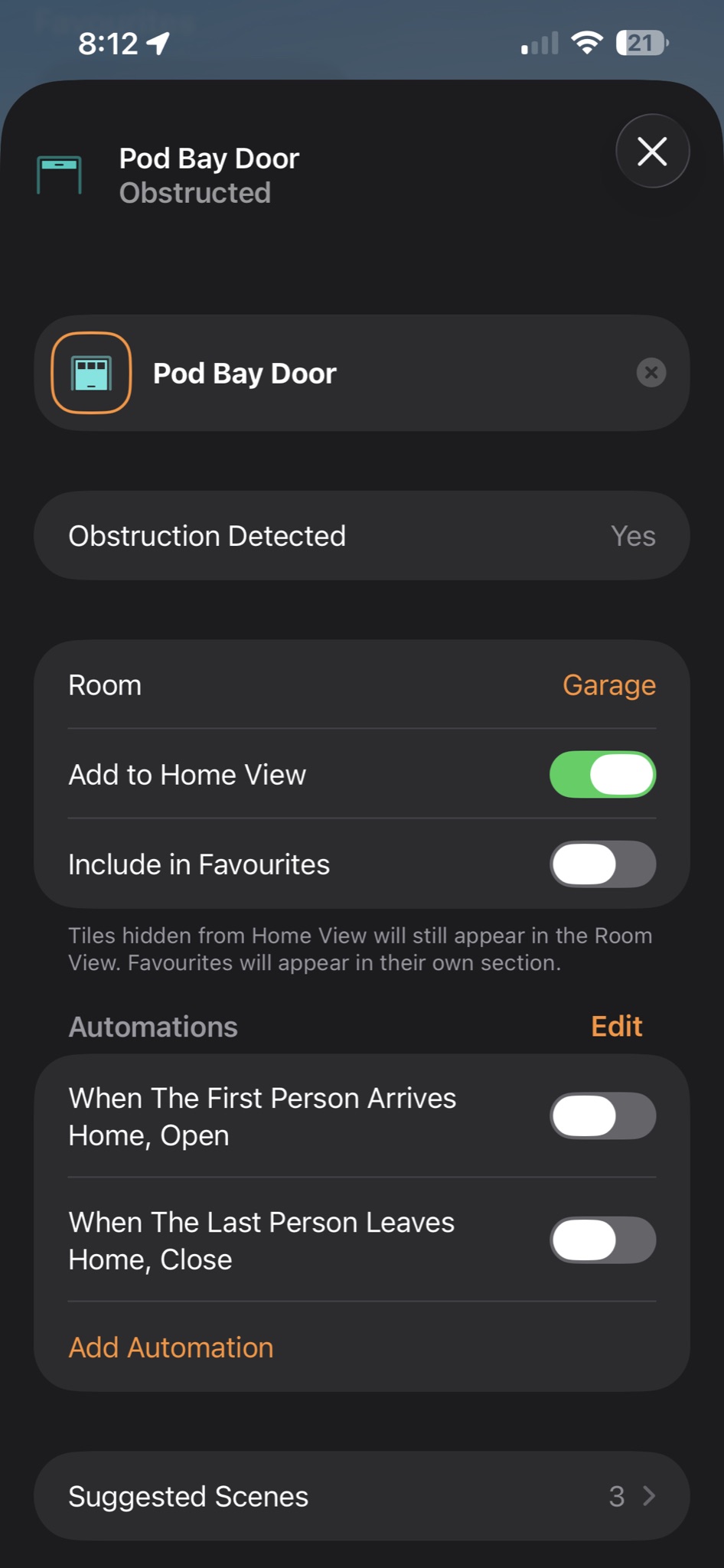
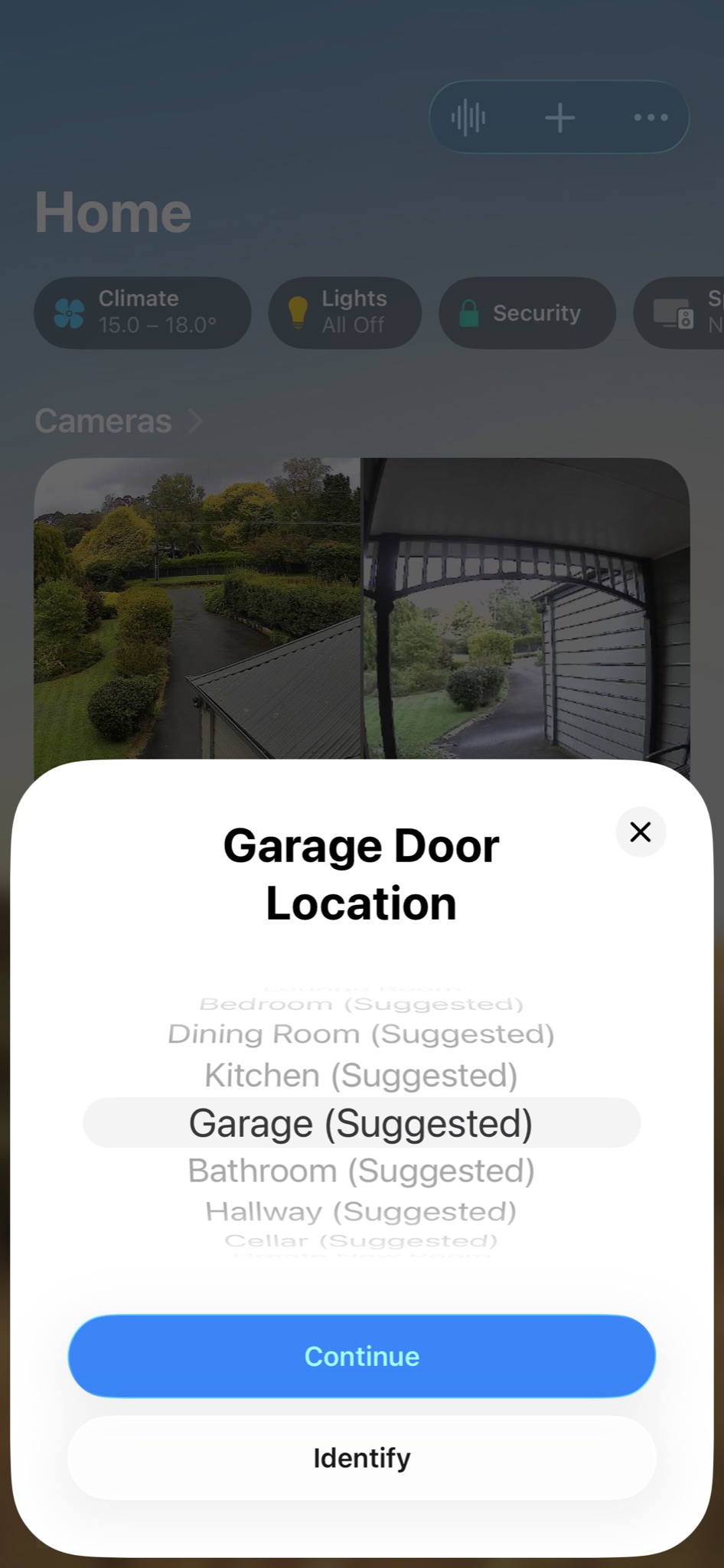
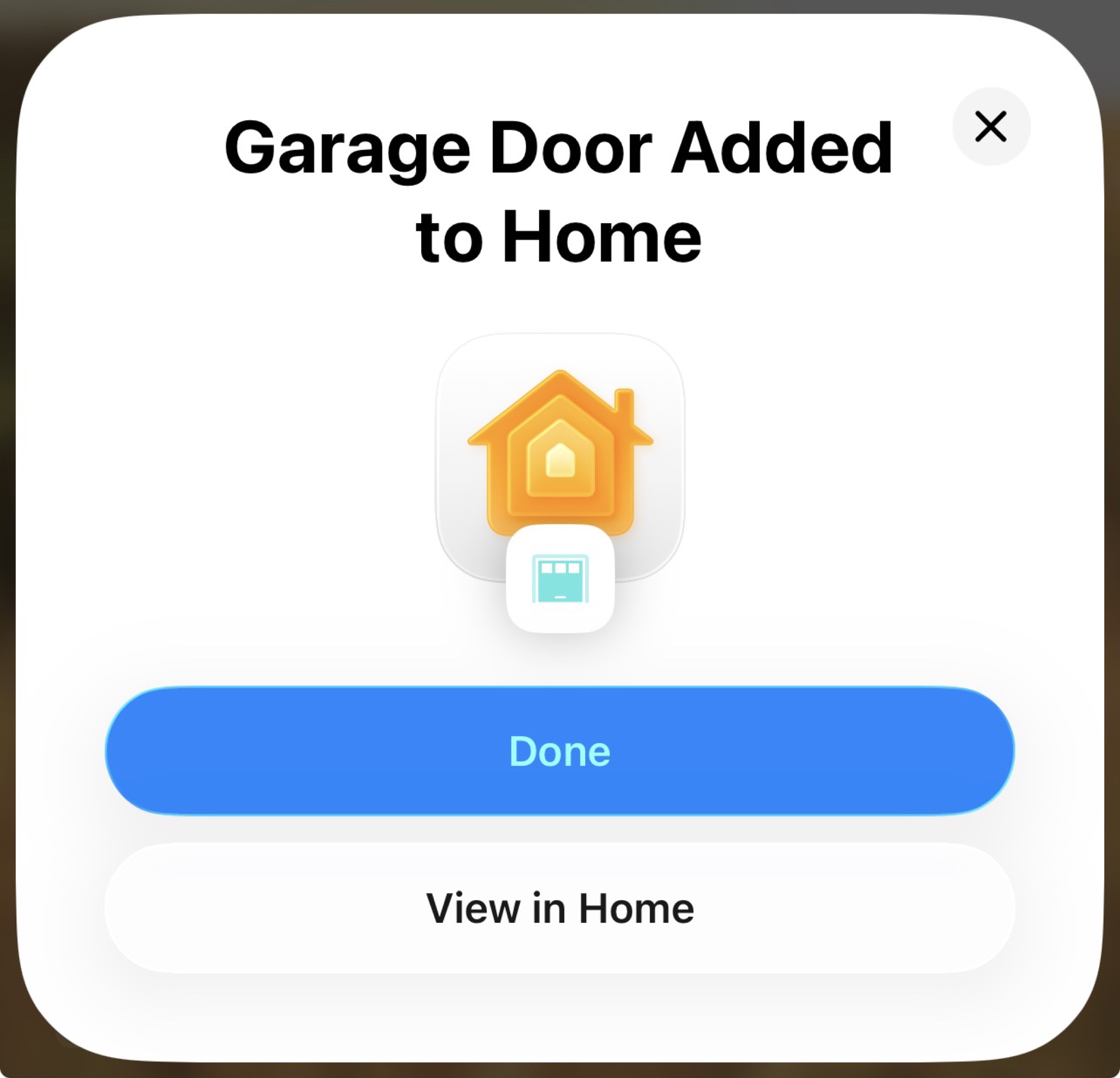
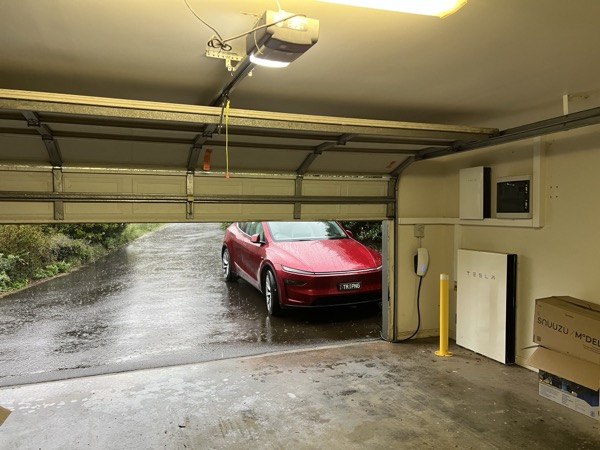
"Pod Bay Door, open." Siri obliges, and the garage door at the end of our driveway opens. From our iPhones. From the HomePod Mini (HomeKit hub) in the lounge room. From Apple Home anywhere there's an Internet connection, the door responds.
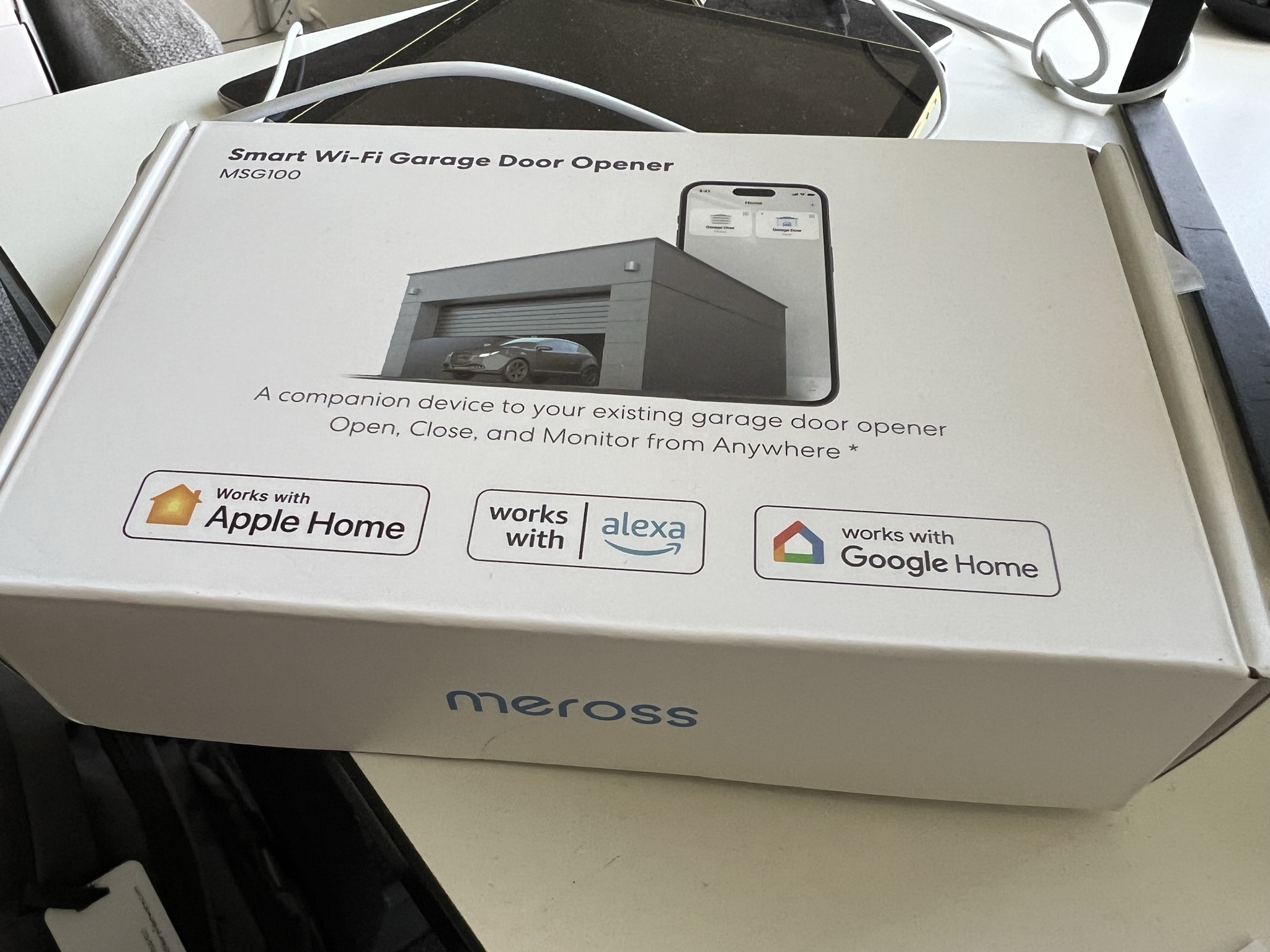
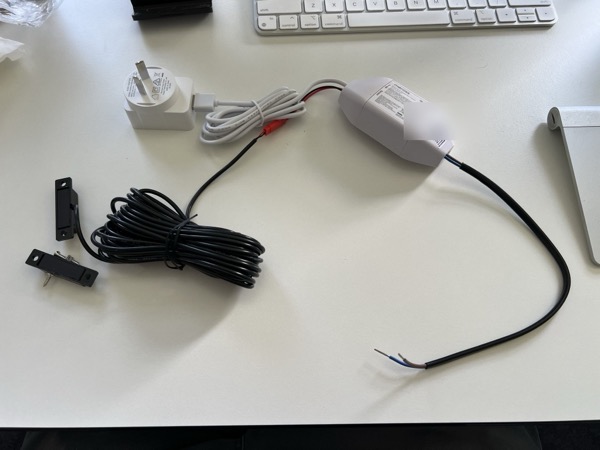
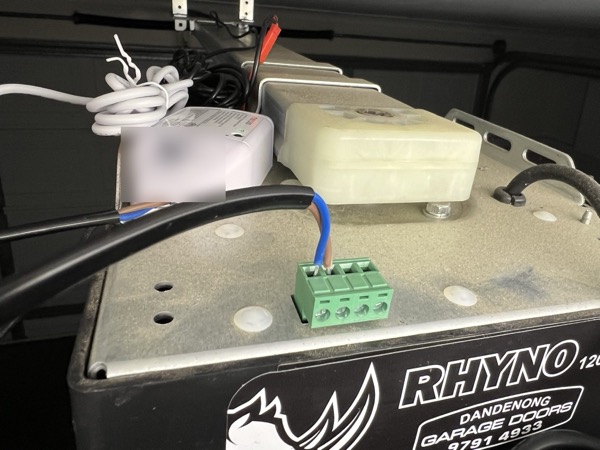
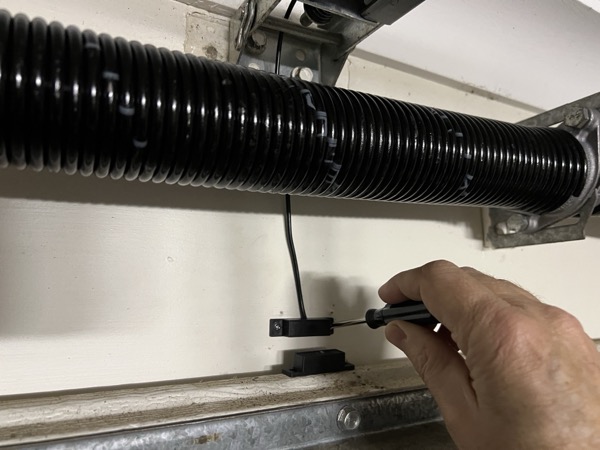
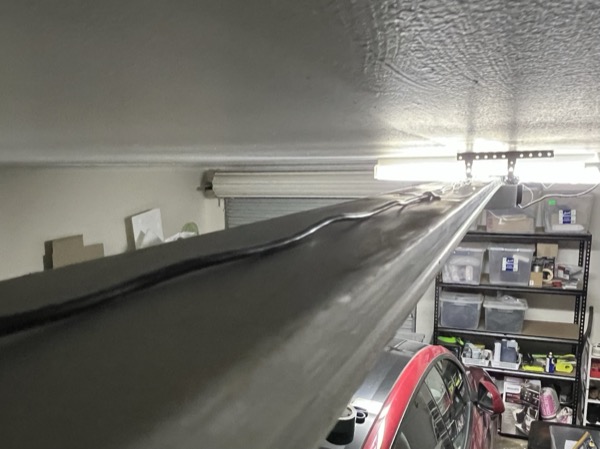
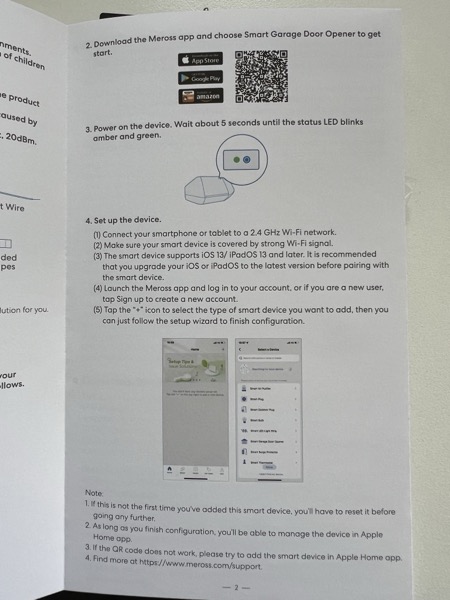
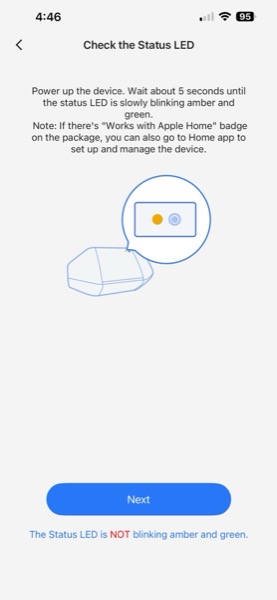
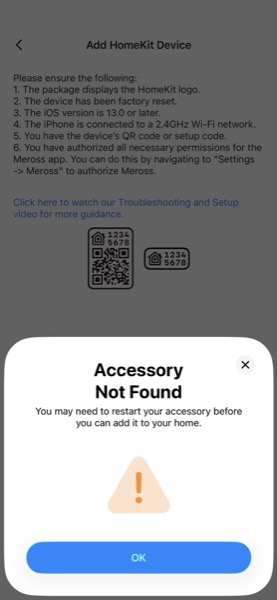
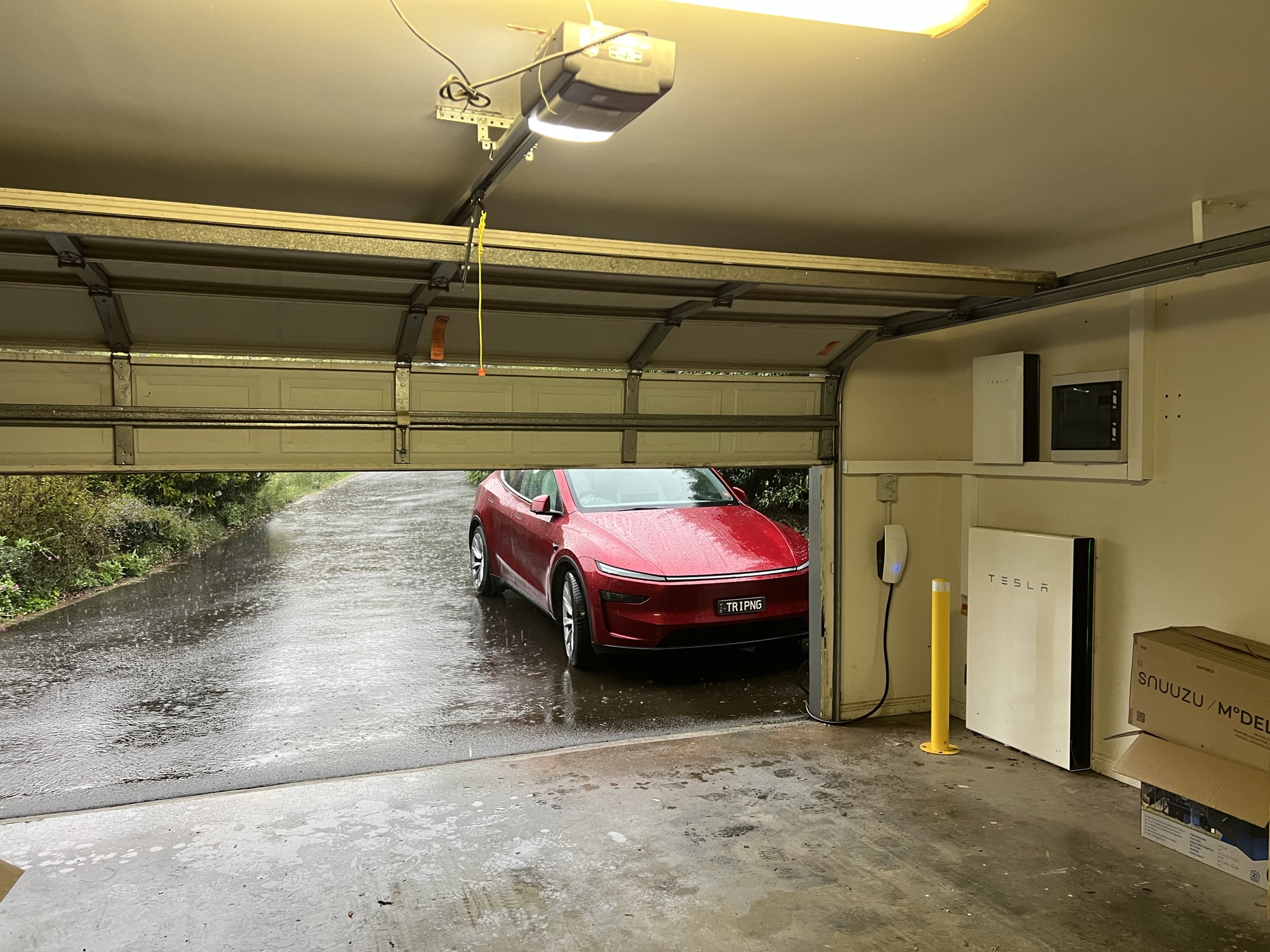
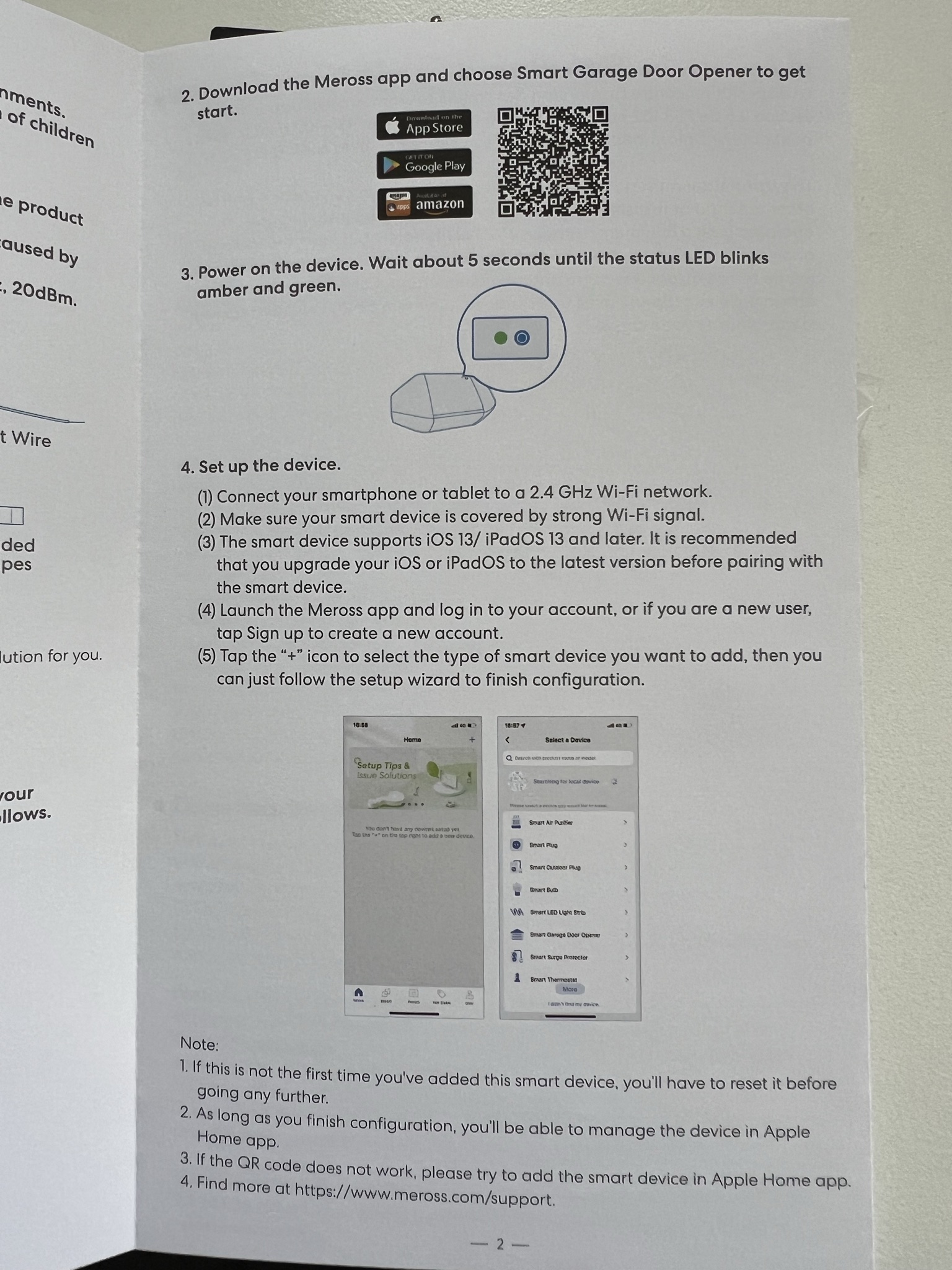
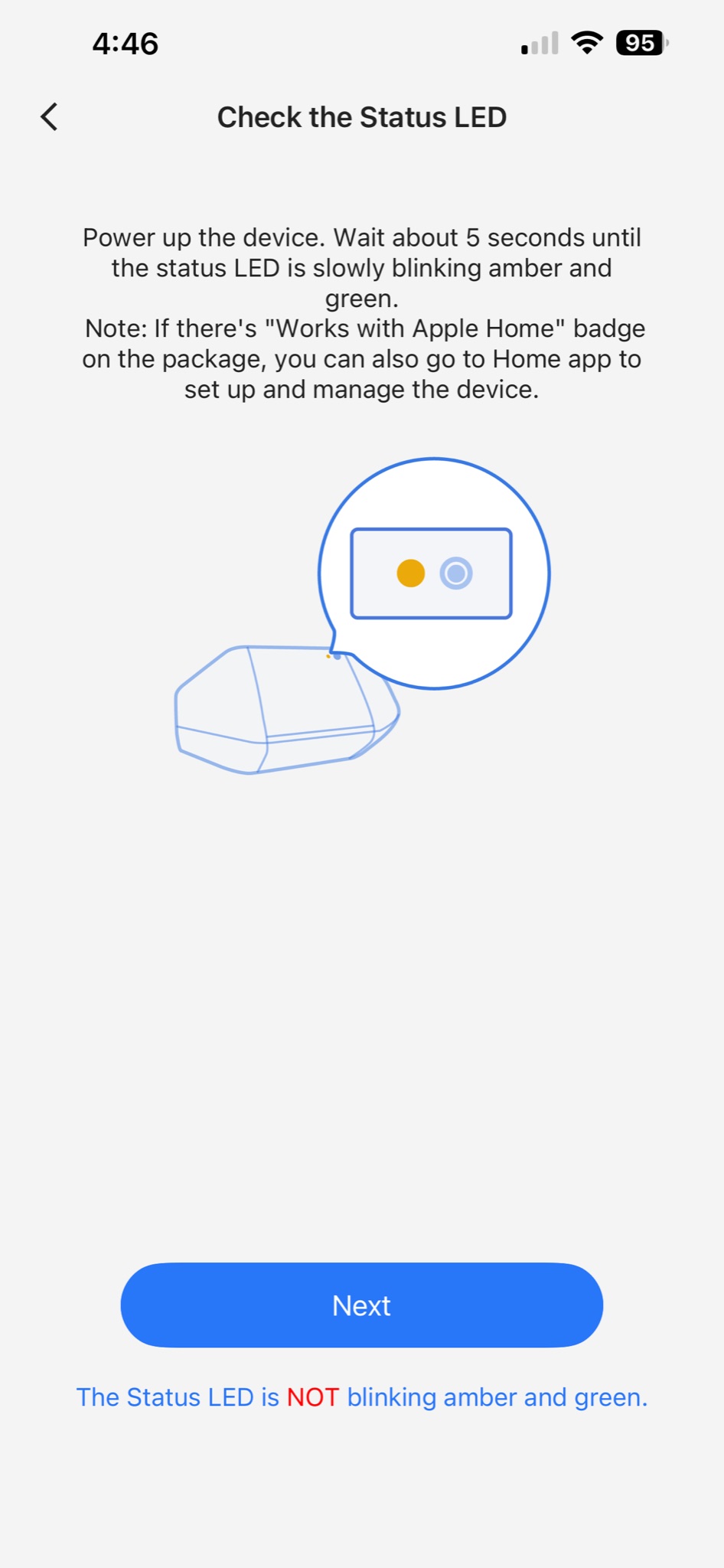
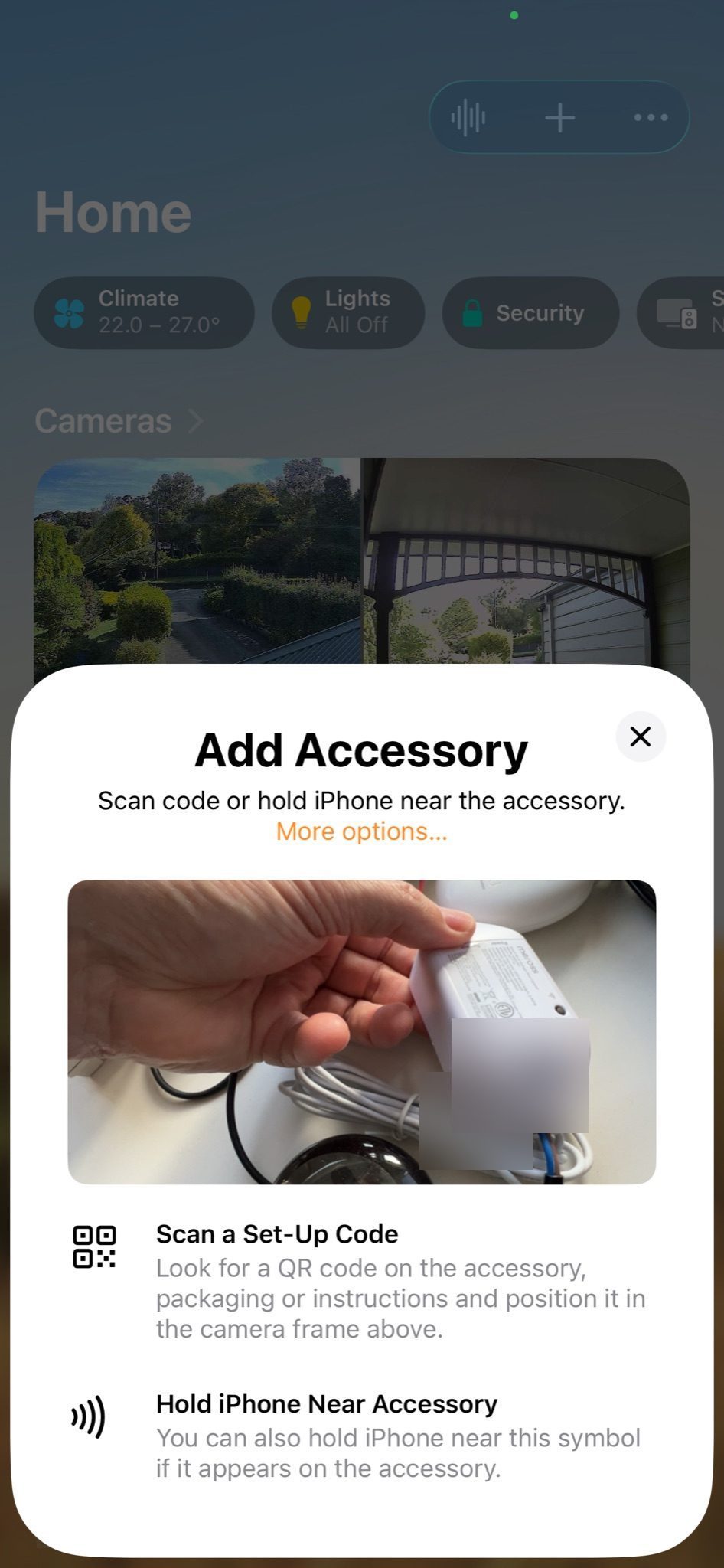
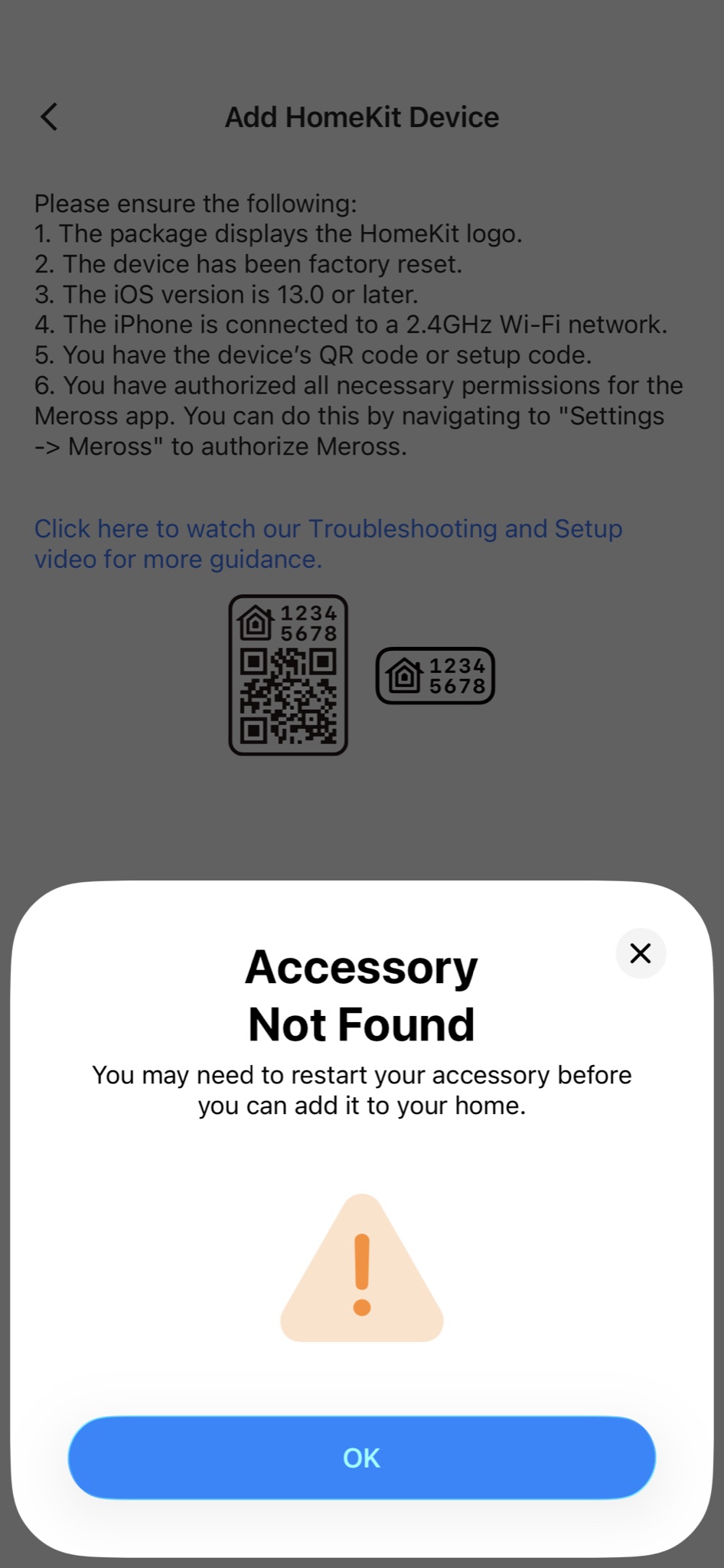
The new bit is a Meross MSG100 controller. $58 from Amazon. After 2½ years of a small green four-pin plug sitting unused on top of the Rhyno opener, two thin wires into the PB and GND terminals were all it took to wake it up. Plug the Meross into a USB power point, stick a magnet on the door and a reed switch on the track, and run the sensor cable along the chain bracket — slightly fiddly, but a cable tie and tape did the job. Pairing with HomeKit took several goes; Wi-Fi handshake gremlins. Once it was in, it stayed in.
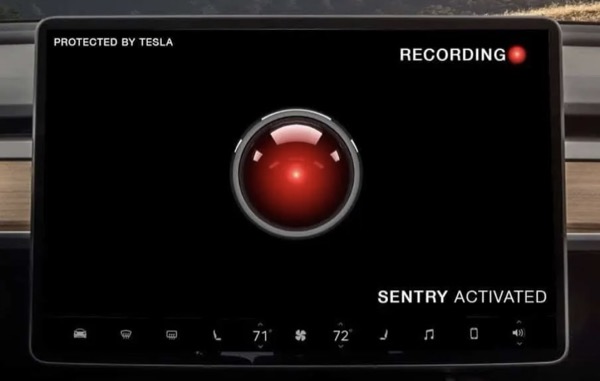
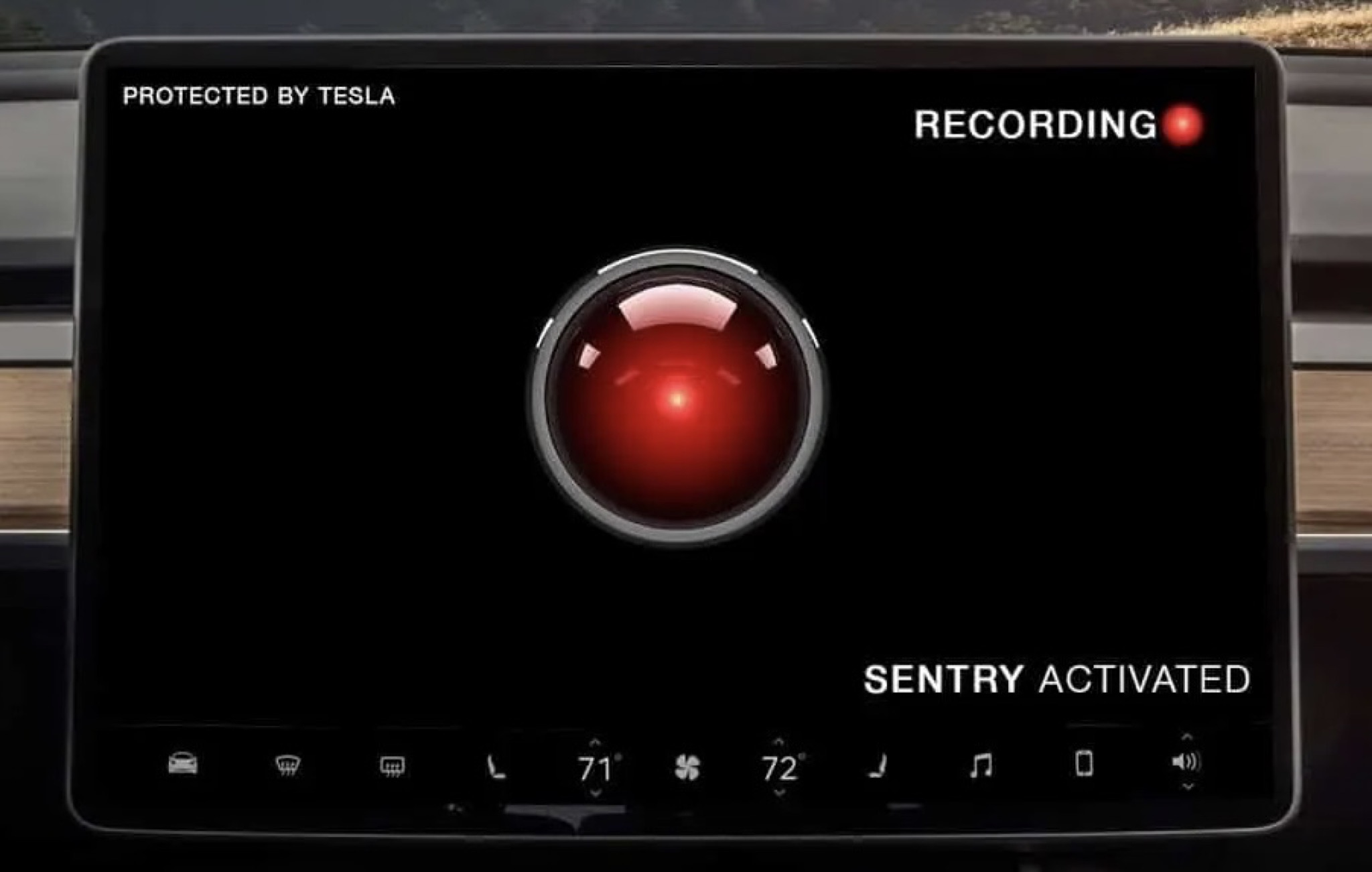
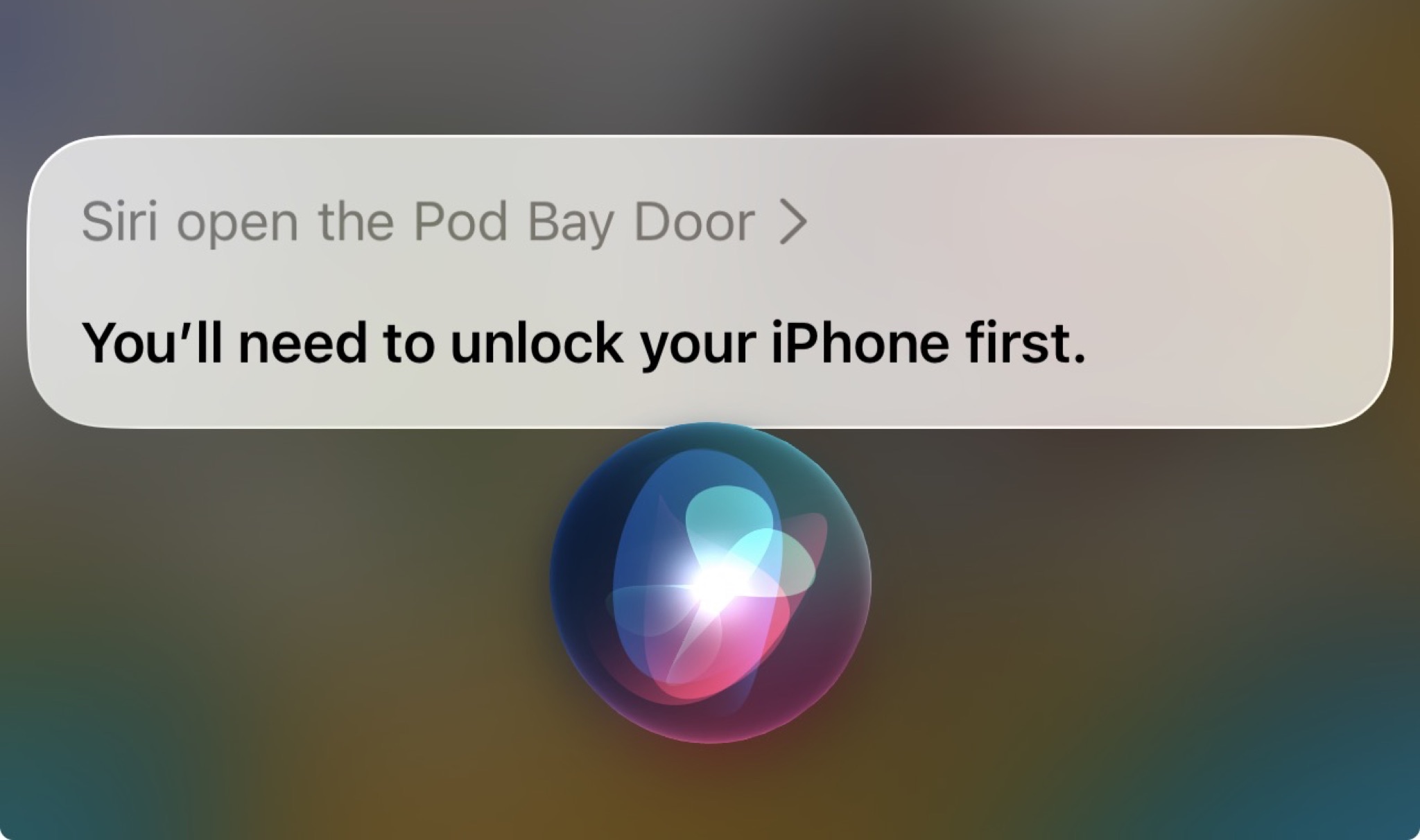
In HomeKit, we named our garage "Pod Bay Door" — a small tribute to 2001: A Space Odyssey. The Tesla Sentry Mode image is a nod to HAL's electronic red eye. In the movie, when asked "HAL, open the pod bay door", it replied with menacing efficiency "I'm sorry, Dave, I can't do that.". Almost on brand, when we ask from the car "Siri, open the pod bay door", it replies "You'll need to unlock your iPhone first." This is, incidentally, the same door that locked us in last week. So, "Pod Bay Door" is continuing to mirror the movie.
So, the one device that won't play along is the one I'm usually sitting in when I want the door to open. The Tesla doesn't do CarPlay, the Model Y Juniper dropped HomeLink, and Apple Home isn't built into the car. So from the driver's seat, the door is still a phone-unlock-and-tap away.
Next step is find a way to open the garage door while driving, without touching my phone. I read that we can create an iPhone "shortcut" to trigger opening with bypassing of phone unlock security, but it hasn't worked on my first attempt. If only Tesla would add CarPlay or Apple Home support.
How do you open your garage, hands free?
Related Posts
- Last week — what "locked us in" looked like Trapped, in our own garage 9 Apr 2026
- Preheating the house from John's Hill Lookout 21 Jul 2024
- Later — Aqara smart lock for the front door Hey Siri, unlock the front door 30 May 2026
Report
I’ll take a $50 HomeKit adapter over home link
Report
Report
Report
Report
Report
Report
Report
Report
Report
Report
Report
Report
Report
Report
Report
Report
Report
Report
Report
Report
Report
Report