
Amber's new Ready-By EV charging
Show 0 more photos Show 4 more photos Hide additional photos
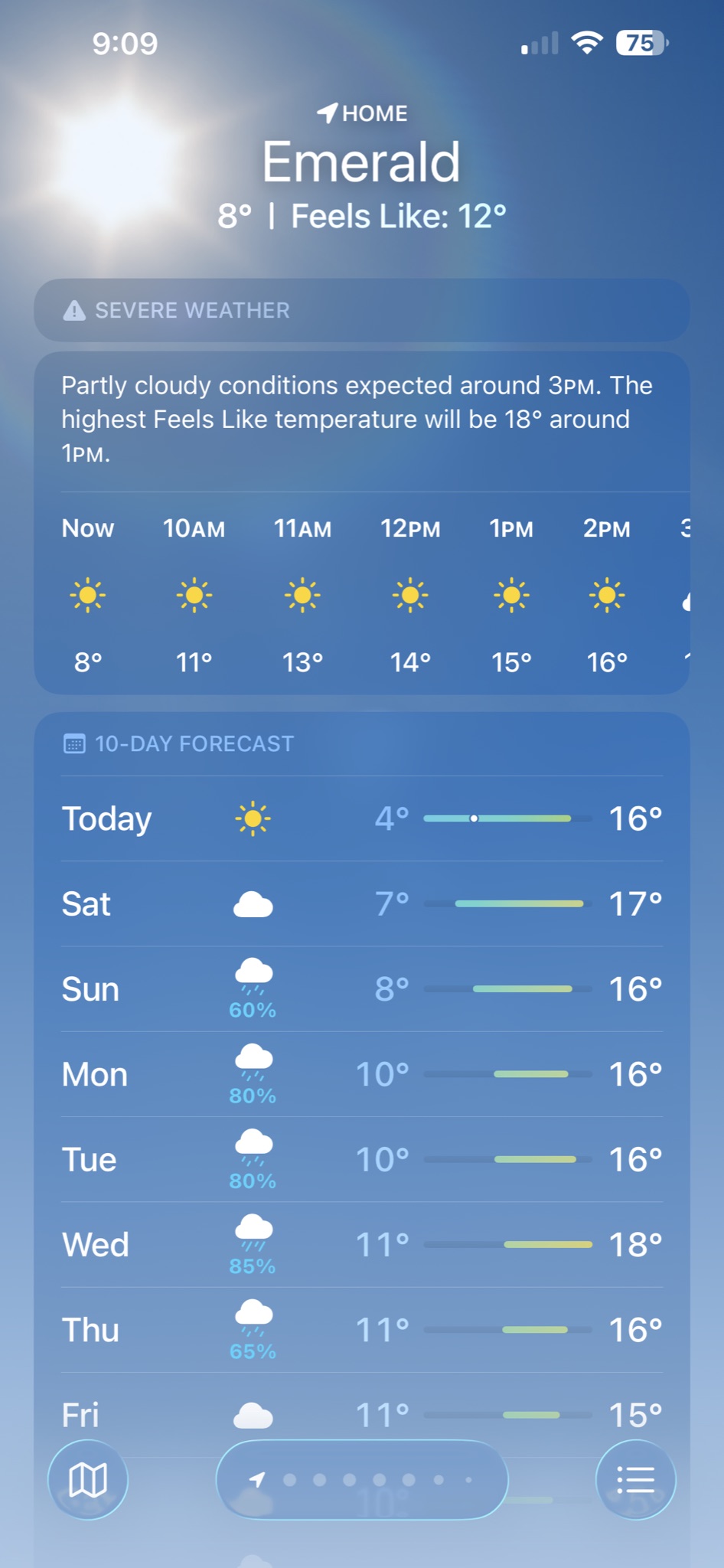
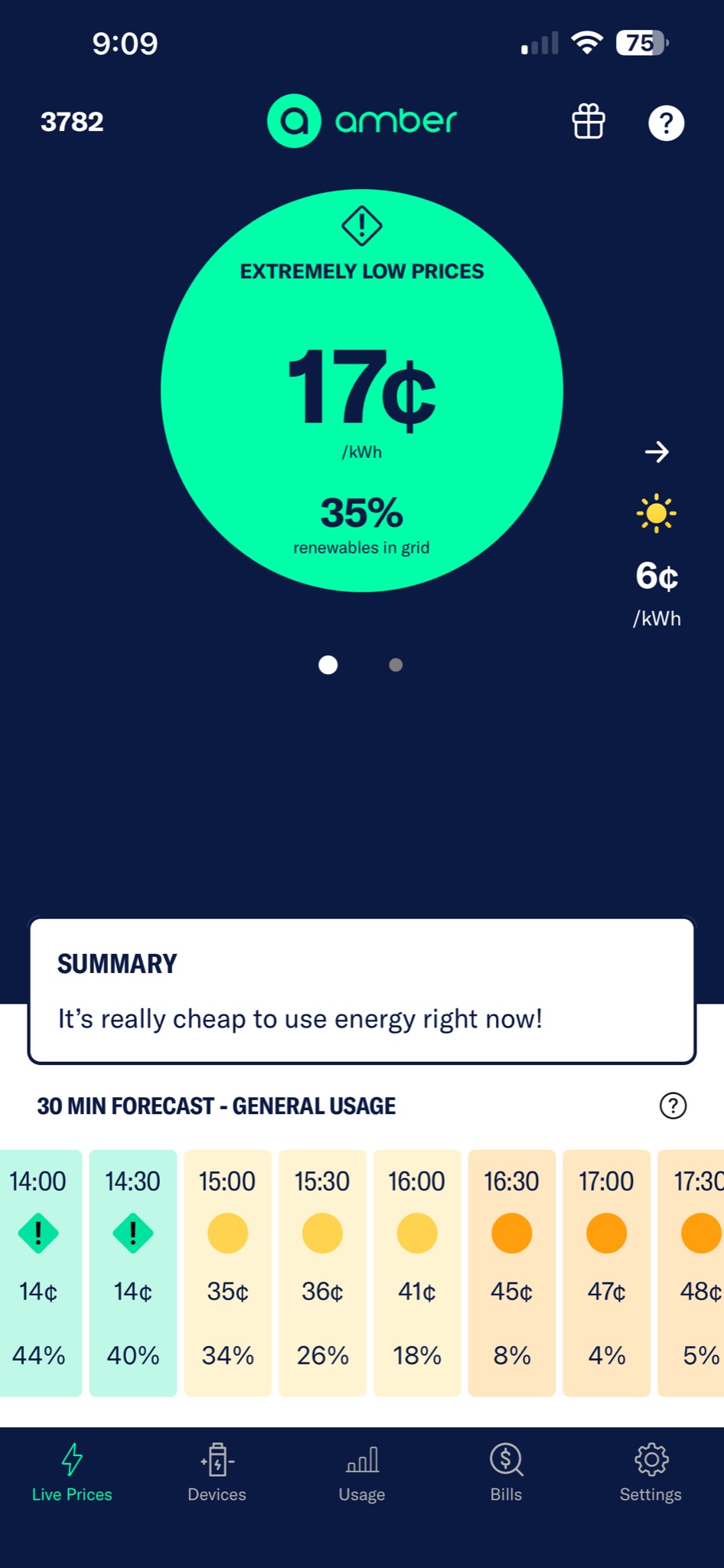
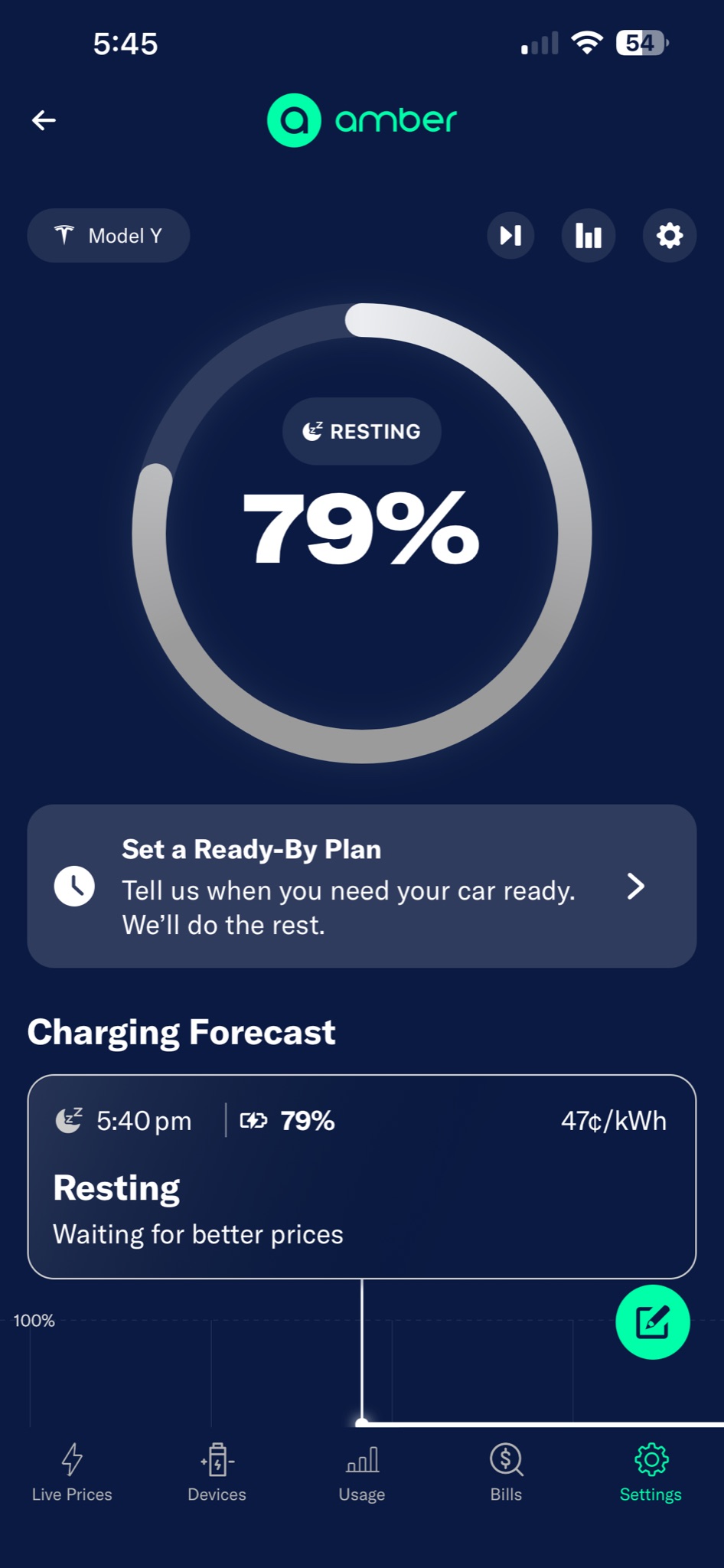
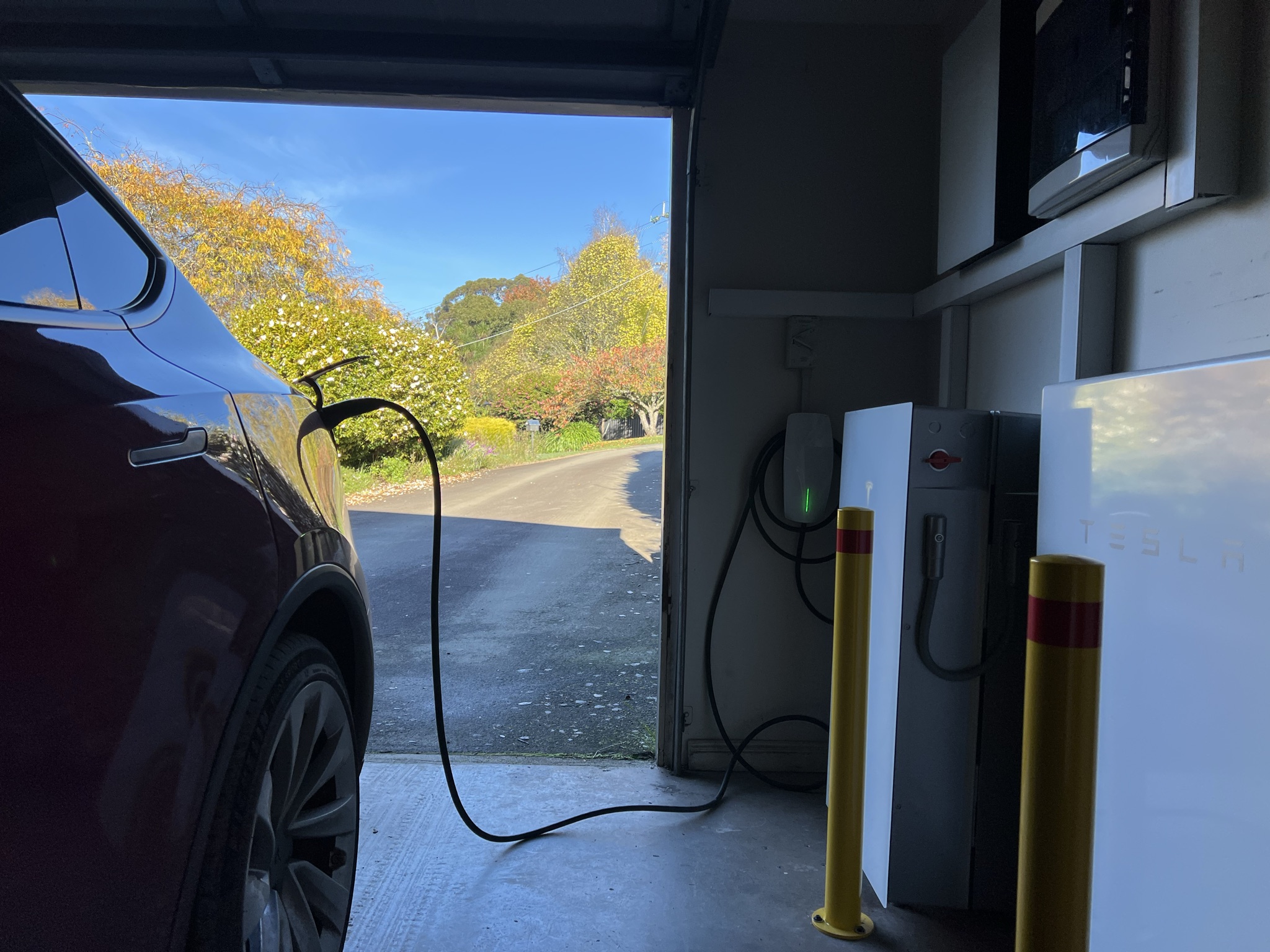
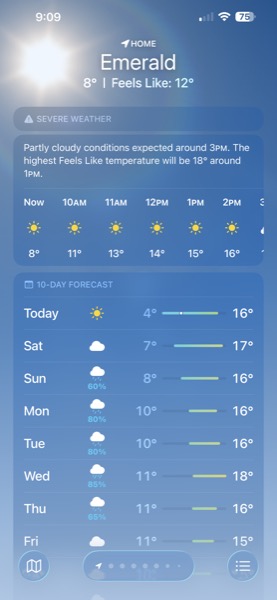
Today is the only sunny day in the week ahead, so I wanted the Tesla full off our solar, topped up with cheap grid renewables.
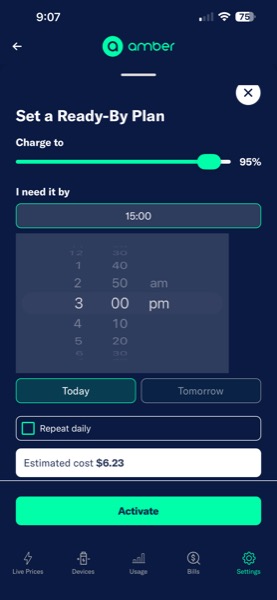
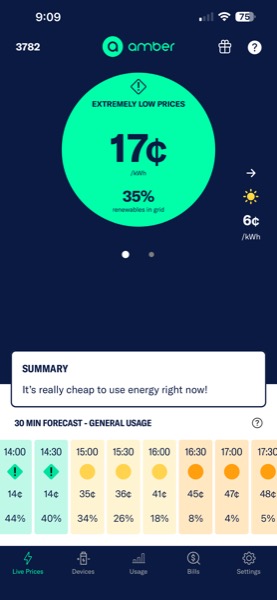
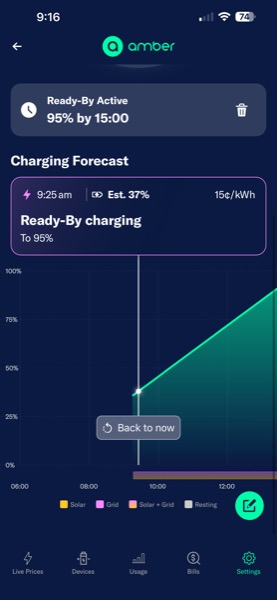
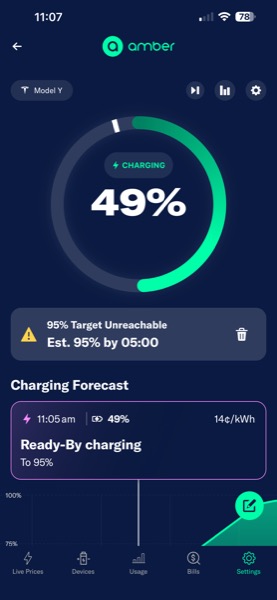
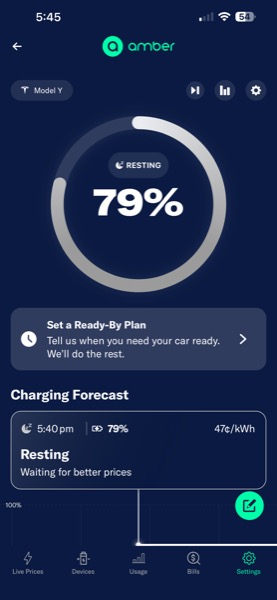
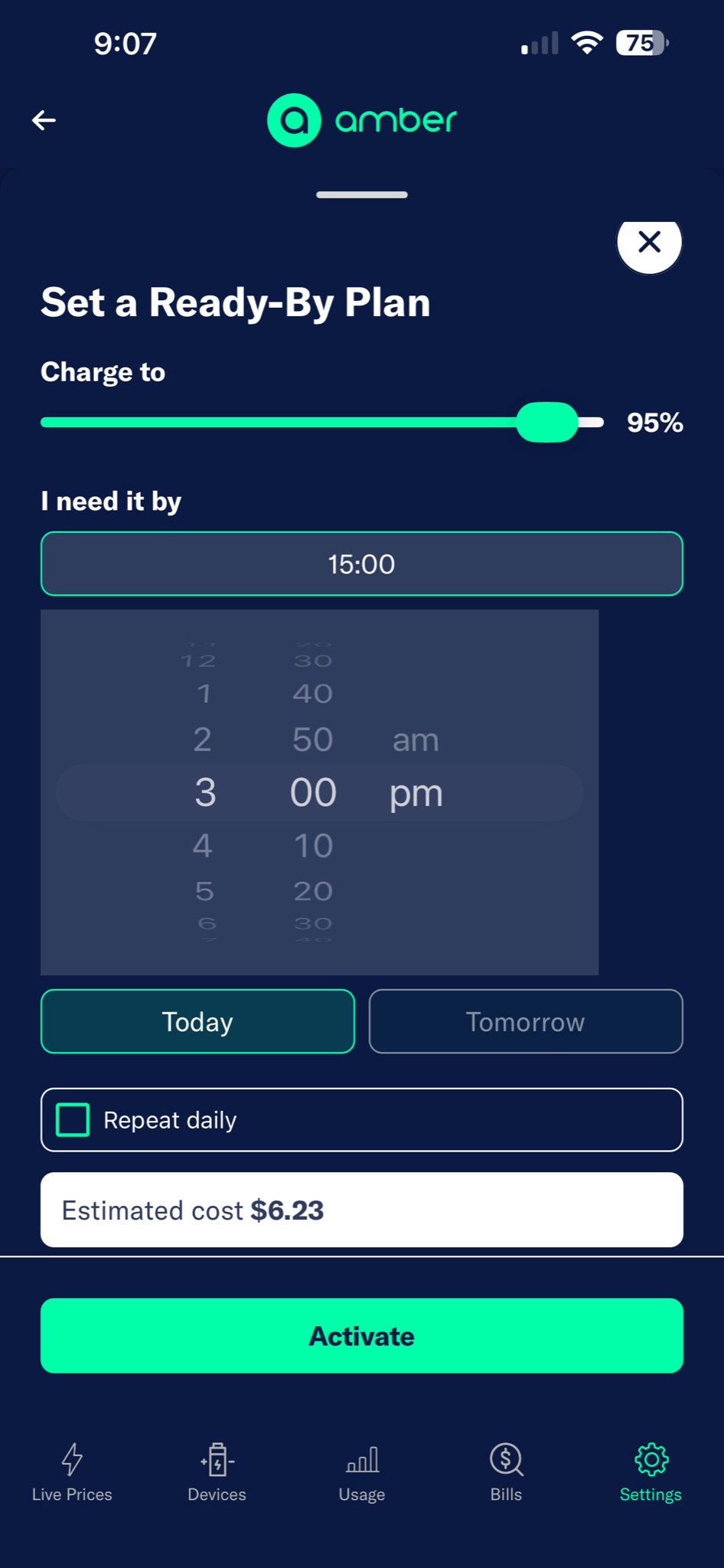
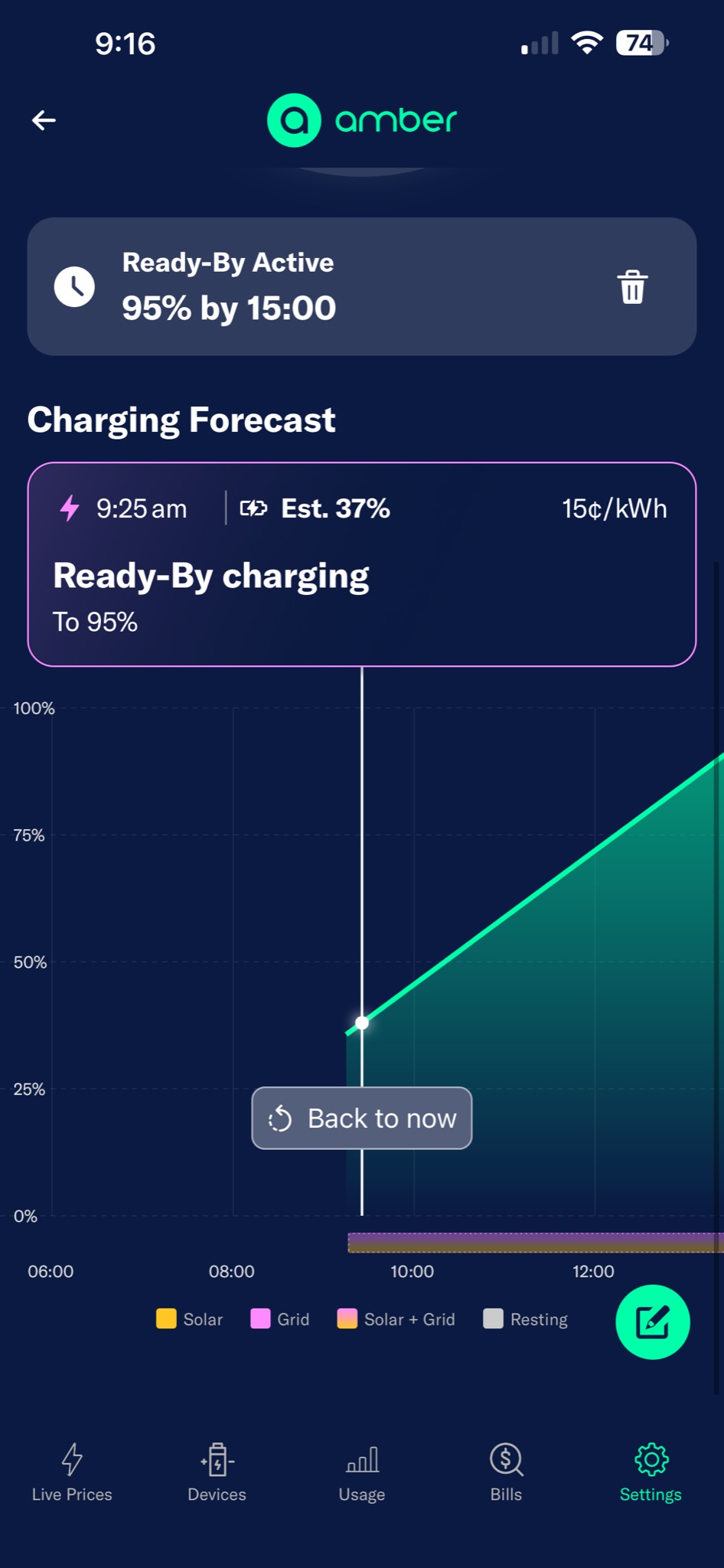
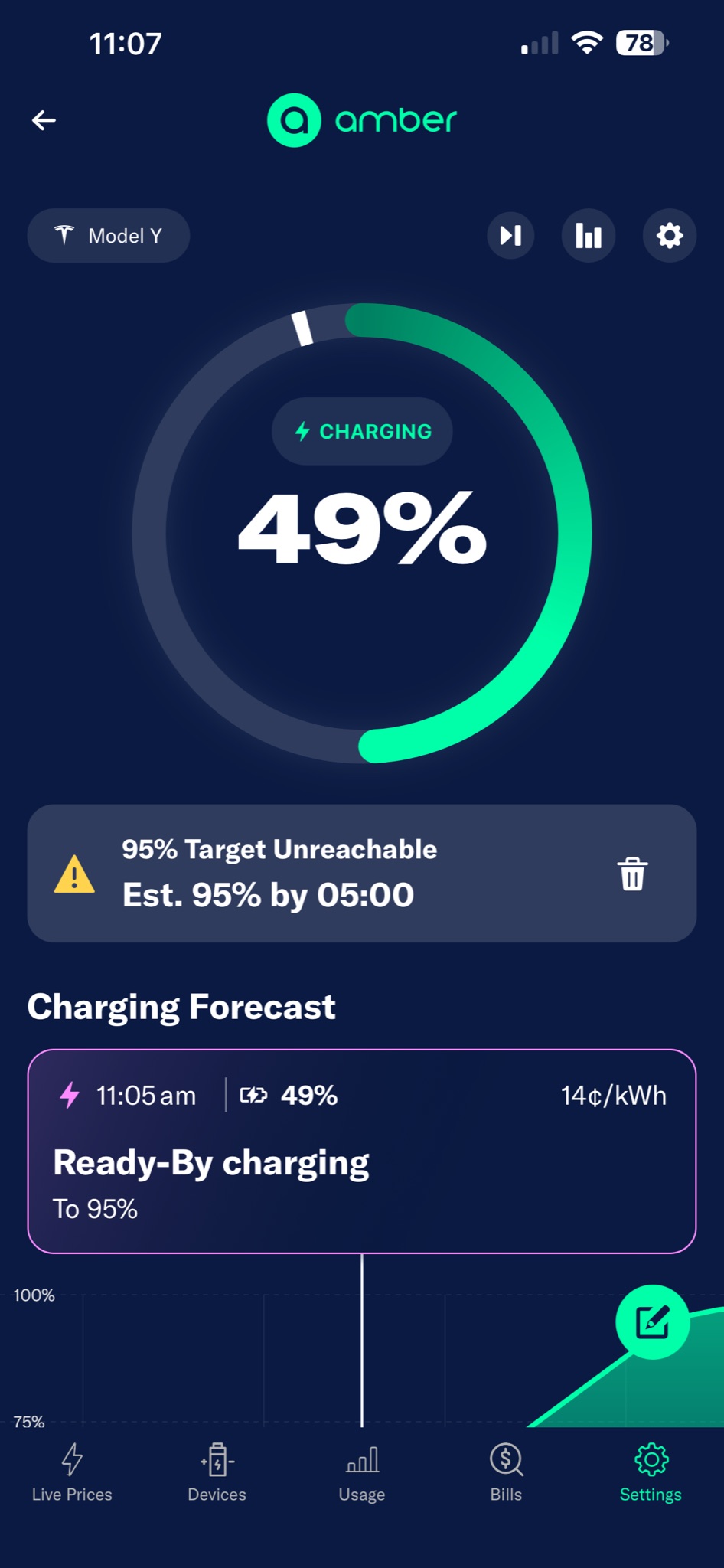
This morning I tried Amber for EVs' new Ready-By feature for the first time. You tell it the charge level you want and the time you need it by — I asked for 95% by 3pm — and Amber builds a plan that picks the cheapest 5-minute intervals between now and then, updating every 5 minutes as wholesale prices move. Estimated cost: $6.23. I turned Charge on Solar off in the Tesla app and handed the keys to Amber.
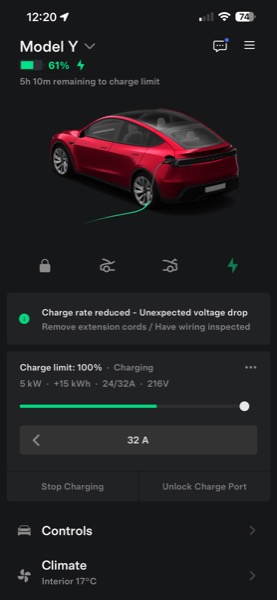
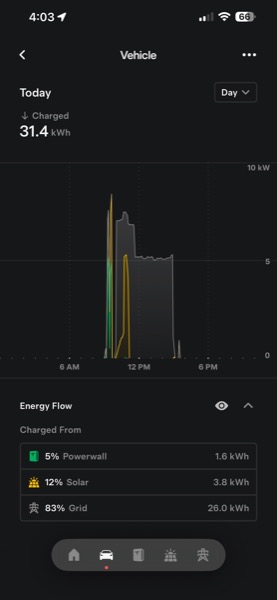
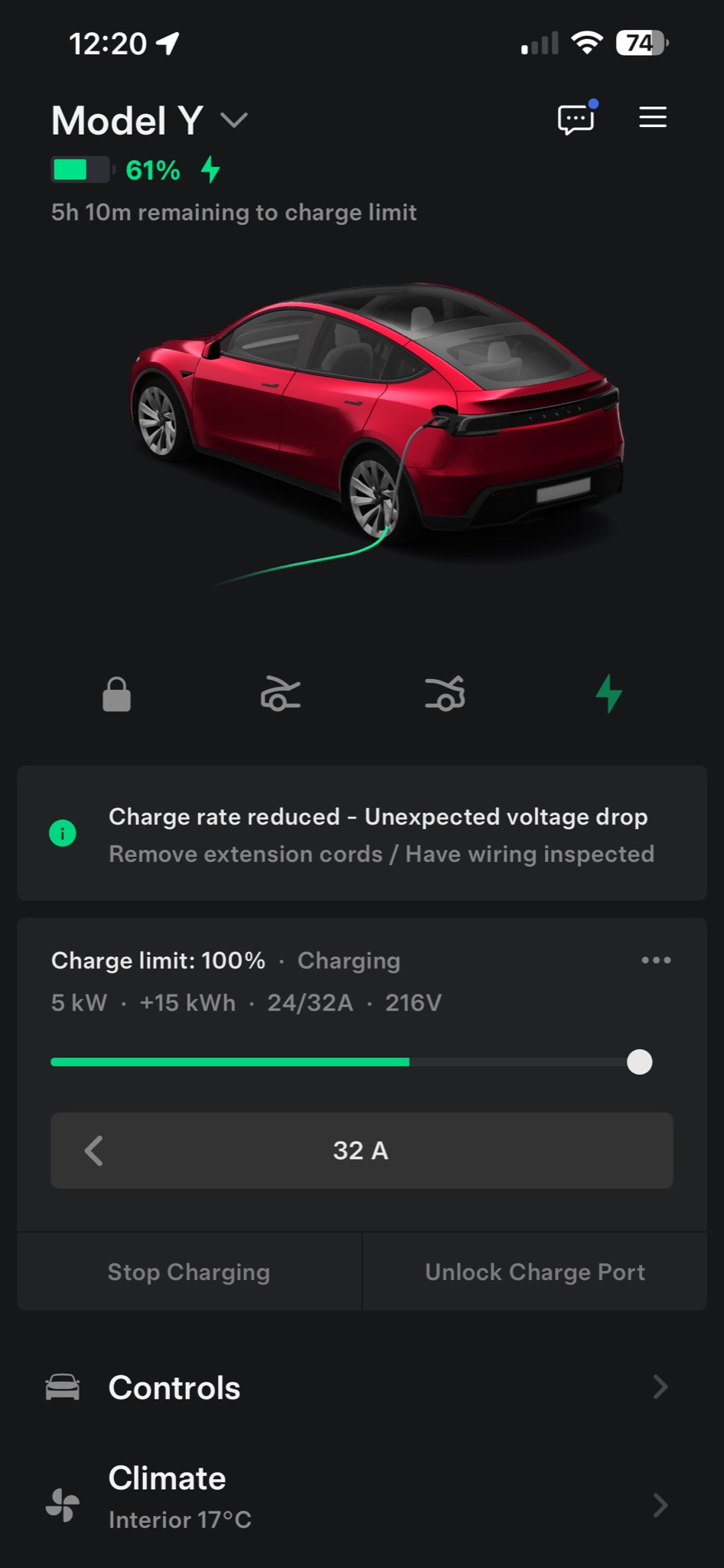
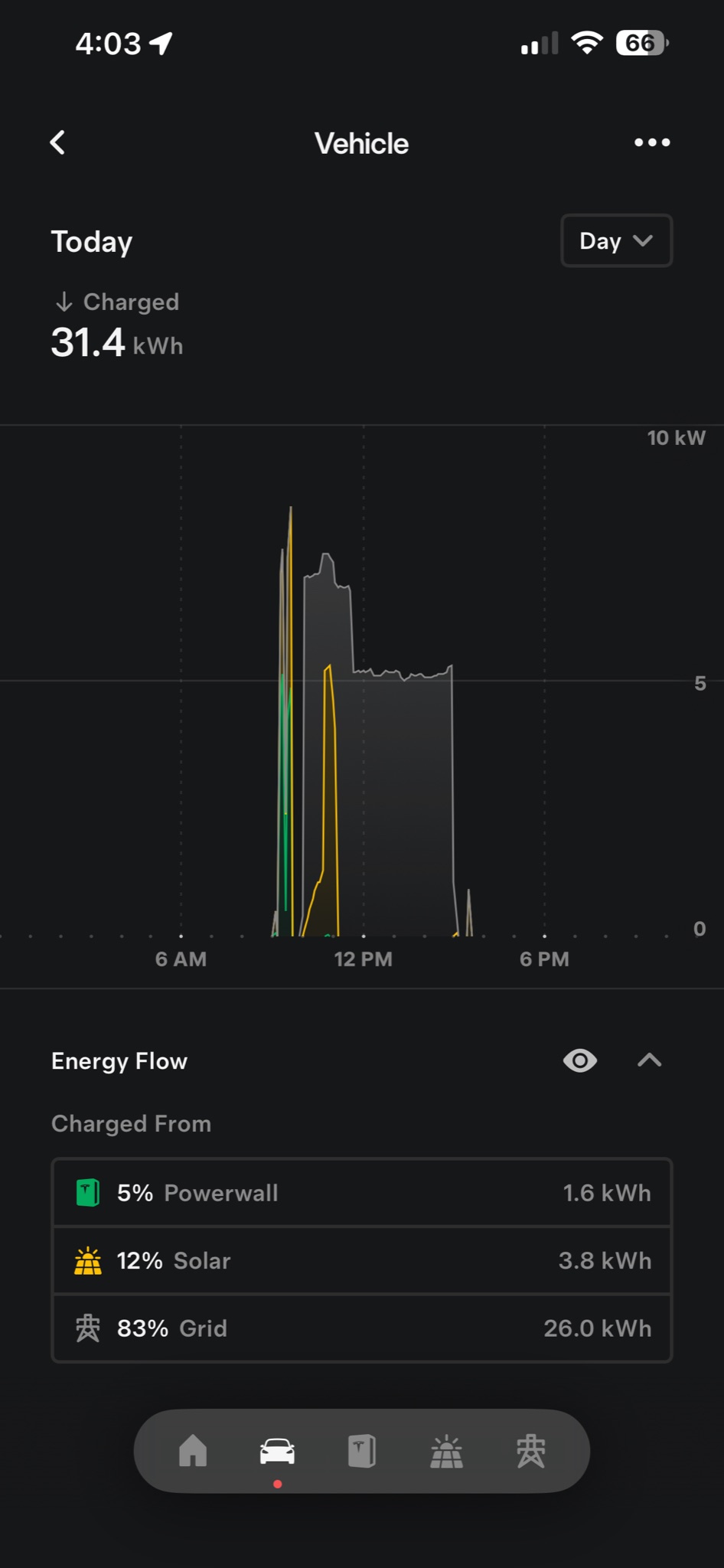
By 3pm the car had reached 83%, not 95% — but that's on me, not Amber. I drove off twice during the day, and partway through the home charger throttled itself after detecting an unexpected voltage drop on the line. Of the 31.4 kWh that went into the car, 12% came from our roof and 83% from the grid (mostly during cheap-renewables windows) — the new Powerwall 3 was busy with a Max Backup event, so most of our solar went there instead of the car. Total cost: $7.00, close to the $6.23 estimate.
Setting a target charge by a particular time is a really welcome addition. The new home screen — a live ring of state-of-charge, and a 24-hour timeline of the planned charging — is a nice lift too.
Navigating the app is still a bit of a maze in places — but I'm an app developer, so I'm probably being too picky.
Anyone else on Amber for EVs? How's Ready-By worked for you?
Report
Report
Report
Report
Report
Report
Report
Amber in Vic is $2000 a year for me vs $200 a year with OVO.
Report
Report
Unless you go tripping you will be buying energy for the all electric house, days getting shorter weather already junk...
Amber is a terrible option.
Report